
Resource Hub

Shop talk, stories, and best practices, plus the latest and greatest from PartsTech

Filters
Clear Filter
  • Staying Ahead in 2026: Industry Trends, Challenges, and Solutions Driving Auto Repair

    In this on-demand webinar, shop owner Liz Perkins shares real-world insights on shop operations, technician challenges, customer spending trends, and strategies to streamline the parts ordering process. See how digital parts procurement tools like PartsTech help shops find and order parts faster, reduce time spent sourcing parts, and keep repairs moving.

    EventsProduct Updates
    WebinarWatch Now
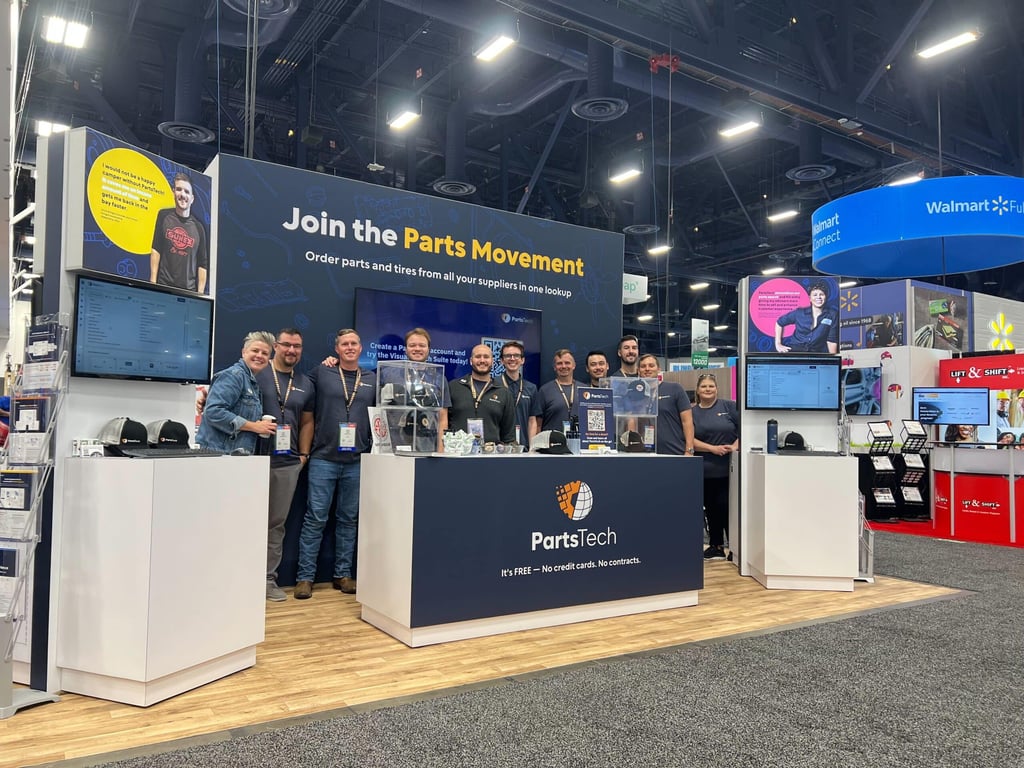
  • What PartsTech learned from auto shops at SEMA 2024

    Engaging with first-time visitors, long-time users, and everyone in between at SEMA 2024 gave us fresh insights and meaningful perspectives. Each conversation — whether with a new face, a familiar customer, or a trusted partner — helped refine our understanding of what shops truly need and underscored our drive to serve the industry better.We asked one of our employees who attended SEMA for the first time to staff the PartsTech booth to share what stood out to him. Here is a summary of Stefano Fenzo’s experience.

    Events
    Blog3 min read
  • Webinar Recap: (Pt. 2) How To Mark Up Automotive Parts

    How to mark up auto parts may be one of the biggest questions that auto repair shop owners have, which is why PartsTech invited Cecil Bullard, Owner and CEO of The Institute for Automotive Business Excellence, to join us for a webinar series on the topic.

    Events
    Blog5 min read

Sign Up For Our Newsletter

Stay Up To Date With PartsTech

Blogs

Dive into our blog for the latest updates, tips, and thought-provoking insights

Discover Our Blogs

What to Include on an Auto Repair Receipt

Clear communication with your customers can make your auto repair business stand out from other repair shops. This is because careful and proactive communicatio…

Shop Tips & Best Practices
Blog7 min read

Customer Help Center

Are you a current PartsTech Customer? Check out our help center knowledge base

PartsTech Help Center